Phishing
How to spot a phishing message before anyone clicks, and what to do if someone already has.
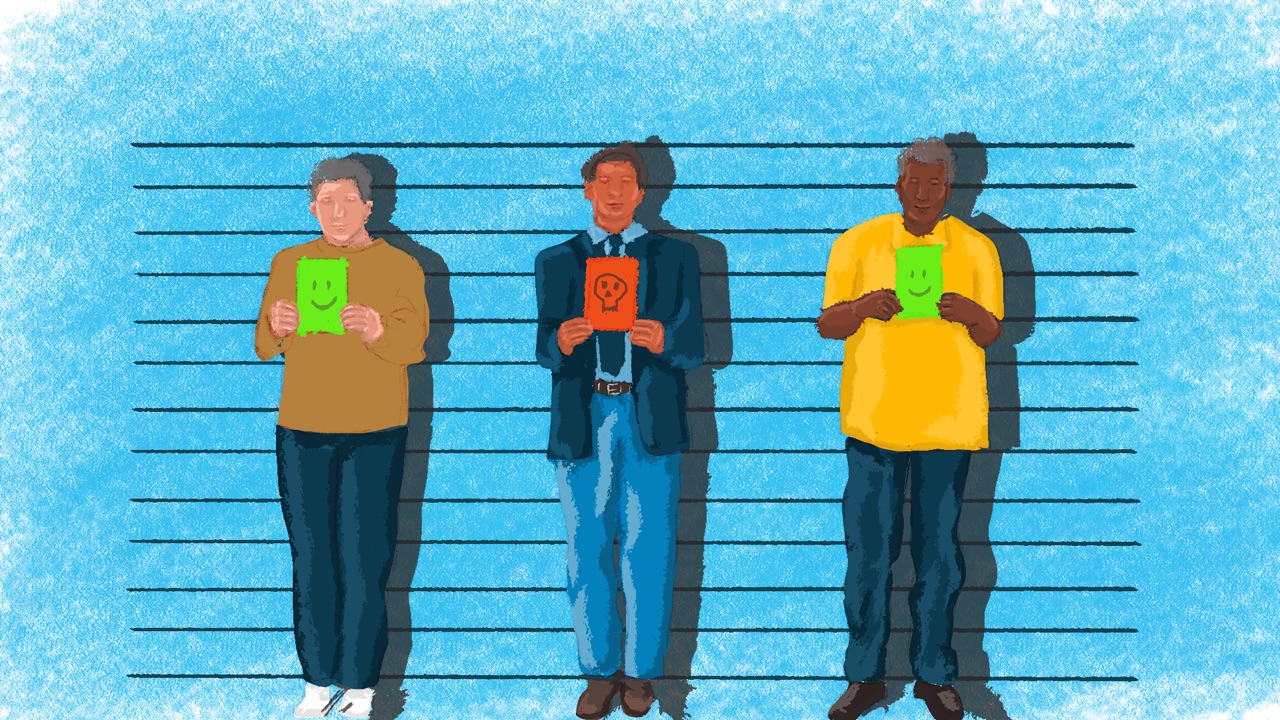
Grace, the finance and admin officer at a women’s rights organisation in Kampala, pays the printer that produces its reports every month. One morning an email arrives from the printer’s usual address with the usual invoice and one change: the bank details are new, and could this month’s payment go to the new account? Grace rings the printer on the number saved in her phone. They haven’t changed banks. Someone has got into their email and is writing to all their customers.
Fake invoices and changed bank details are the phishing small organisations like Grace’s run into most, and one phone call stops them.
The payment rule
If a message asks you to pay someone new, change a supplier’s bank details or make an urgent payment, confirm it by phone, on a number you already have, before any money moves (SIIRF). Don’t use a number or link from the message itself: it can’t be trusted (Digital First Aid Kit).
Agree the rule as a team and write it into your security policies. It covers everyone, the director included: phishing often pretends to come from the director (SIIRF). A real supplier or colleague won’t mind the call.
What phishing looks like now
Phishing is a message that tries to trick you into handing over a password, a code or money, or into opening something that harms your device. It can come by email, text, WhatsApp or another chat app, social media or a phone call. Attackers get into organisations this way more than any other, by working on people instead of on technology (SIIRF).
Most of it is sent to thousands of people at once. Spearphishing is phishing aimed at you. It mentions people, projects and events you know, often picked up from your organisation’s website and social media (EFF; SIIRF).
Many phishing messages lead to a fake login page: a copy of a real sign-in page, for your email, cloud storage or bank, that sends whatever you type to the attacker (SIIRF; EFF). Logos and designs are easy to copy, so a page that looks right proves nothing (EFF).
It doesn’t always come from a stranger. In 2025, Pakistan’s Digital Rights Foundation helped many activists and journalists whose WhatsApp accounts had been hijacked and then used to ask their contacts for money (Digital Rights Foundation). A message from a friend’s real account can still be a trick.
The signs
These are what to practise spotting (SIIRF; EFF):
- Pressure: “urgent”, “confidential”, “don’t tell anyone”, “today only”, or a deadline you weren’t expecting.
- A request for a password, a code, a PIN or payment details. Banks and platforms don’t ask for these by message (Digital First Aid Kit).
- A sender that’s slightly off: one changed letter, a different number or a personal address for an organisation.
- A link that doesn’t go where it says. Hover over it on a computer, or press and hold on a phone, to see the real address. Watch for lookalike letters, and for shortened links, which hide the address altogether (Digital First Aid Kit).
- An attachment you weren’t expecting, or a document that asks you to “Enable content”.
- A “security” warning that asks you to approve an app. In 2019, Amnesty International found staff at Egyptian civil society groups receiving a fake Google security alert. The app it asked them to allow could then read their email, and neither checking the address bar nor two-factor would have stopped it, because they were signing in on the real Google site (Amnesty International).
- Good news out of nowhere: a grant you didn’t apply for, a job offer or a paid trip, sometimes with a small fee to pay first.
- A familiar voice asking for money or something unusual. A voice can even be copied with AI (EFF). Social engineering covers calls like these.
Five habits for everyone
Phishing works by rushing people. These five habits give everyone a moment to check.
- Pause when a message pushes you. Deadlines, threats and prizes are there to stop you thinking.
- Check who really sent it. Read the full address, not just the name shown. One changed letter is easy to miss. But a correct address isn’t proof: addresses can be forged, and a hacked account sends from the real one (EFF; Digital First Aid Kit).
- Look before you open a link. Hover over it on a computer, or press and hold on a phone, to see where it really goes. Before typing a password, check the address bar as well, and let your password manager be a second check: it only offers your password on the site it belongs to. If it doesn’t offer it, go to the site yourself instead of through the link (EFF; SIIRF).
- Confirm unusual requests another way. If someone asks for money, passwords or files, contact them on a number you already have. For payments, that’s the payment rule: a call before any money moves. Social engineering has more on checking another way.
- Report it, even after clicking. Tell your security champion straight away. An early report protects the whole team.
What to set up
Settings can catch some of what gets past people:
- Two-factor, with a security key or passkey where you can. Both refuse to sign you in on a fake site, so a stolen password isn’t enough (EFF). Two-factor authentication explains the kinds.
- A password manager for everyone, so the second check in habit three is always there.
- Updates switched on. Phishing that installs harmful software often relies on bugs that updates fix (EFF). Phones and laptops shows how.
- A safe way to open files from strangers, if your work depends on them. Researchers and journalists can’t simply ignore attachments, and tools such as Dangerzone are built for opening suspicious files (SAFETAG). Don’t upload a sensitive file to a public scanning website: other people may be able to see it (EFF).
- Less staff detail on your website. Spearphishing feeds on names, roles and email addresses, so publish only what people need (SIIRF).
Reporting without blame
People who expect to be blamed report late, and a late report usually means more damage (SIIRF). So make reporting easy: one channel everyone knows, such as the team chat, and a backup if that channel is the one under attack (SIIRF). Thank everyone who reports, false alarms included. Well-being and care has more on building that trust.
Ask people to keep a suspicious message rather than delete it or forward it as an attachment. To warn the team, share a screenshot with the link removed (SIIRF).
Bringing your team with you
- Agree where reports go. Name one person, usually you, and a backup, and put both in your incident response plan.
- Write the payment rule down. Add it to your policies, and make sure whoever pays the bills, and whoever approves payments, has agreed to it.
- Set up the protections, starting with the people who handle money and accounts. Their accounts are the ones attackers want first. For anyone who opens files from strangers, install Dangerzone with them one to one.
- Try a quiz yourself before you run it. Take one of Shira’s ready-made phishing quizzes, then try it with one or two colleagues, so you know what the team will see.
- Keep one place for questions. The team chat works for “is this real?” as well as for reports.
- Tell new colleagues in their first week. Go through the payment rule, the five habits and where to report.
- Every three months, show one new real example. Add a short quiz round, and check that the payment rule is still being followed. Checklists and audits has the rhythm.
If it’s already happened
Clicked a link, opened an attachment or typed a password into the wrong page? Don’t wait, and don’t worry about blame. Keep the message, and if a password was typed in, change it, and anywhere else it was used (SIIRF). If money has gone, call the bank straight away (SIIRF). The playbook walks you through the first steps.

If someone is already in an account, see Account taken over.
Teach it to your team
Try this at your next team meeting. It takes about 25 minutes. It’s practice, never a trick: don’t send colleagues fake phishing emails to see who clicks. Training your team explains why quizzes work better.
- Prepare: two or three real suspicious messages from your own inboxes, with links and personal details removed, and one genuine message. Pick a ready-made Shira quiz.
- Exercise: show the messages side by side and ask which are fake and how people can tell. Then everyone takes the same Shira quiz, and you go through the answers together.
- Three questions: What do you check before typing a password? A supplier emails new bank details; what happens next? You clicked something and aren’t sure; who do you tell, and when?
- Afterwards: follow up one to one with anyone who found it hard, thank everyone who reports in the weeks after, and keep the team chat open for questions. For a longer exercise, play level 1 of SIIRF’s Chips Down.
More in Communication Security
Email security
Running your organisation's email safely: choosing a provider, keeping work and personal email apart, and recognising common malicious emails.
Secure messaging
Choosing messaging apps for sensitive conversations, and what your messages reveal even when their content is encrypted.
Video calls
Running sensitive meetings over video, from choosing a tool to keeping uninvited people out and deciding what gets recorded.