Doxxing
When someone publishes your staff's home addresses, phone numbers or family details to intimidate them, and how to shrink what can be found in the first place.
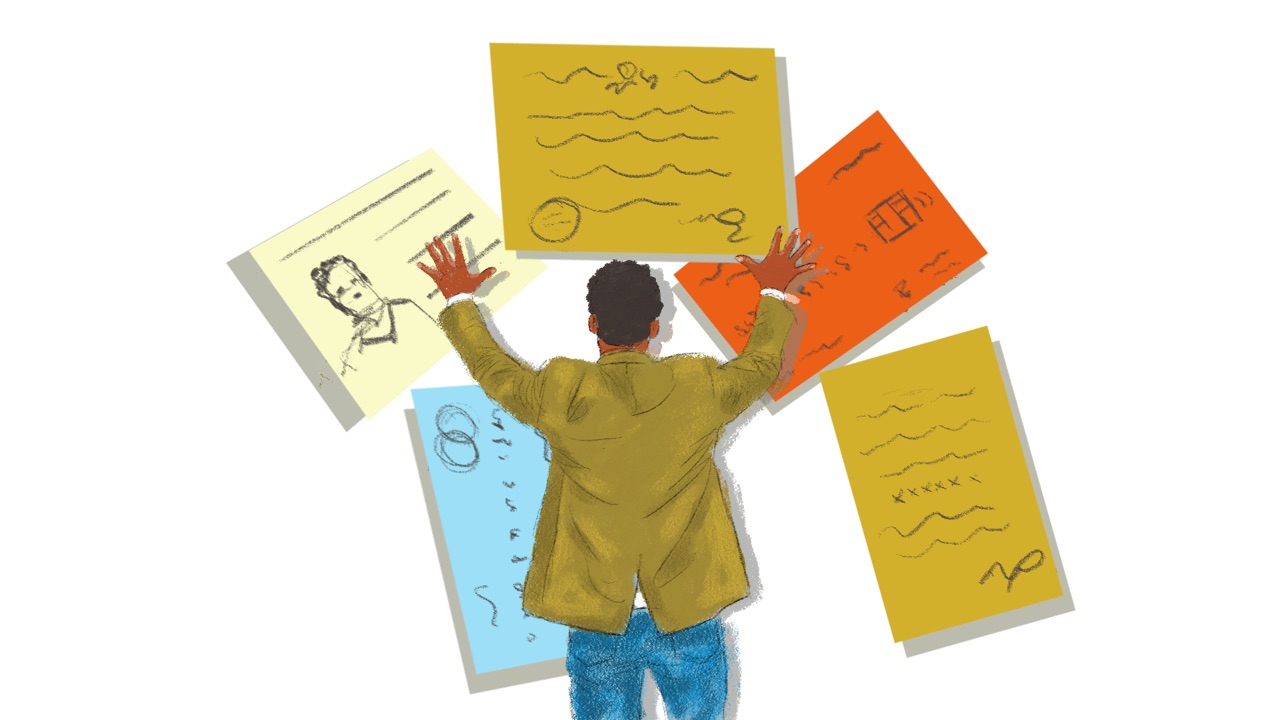
Tendai is the communications officer at a land and housing rights group in Bulawayo, Zimbabwe. A week before a report on evictions comes out, she searches for her colleagues the way a hostile reader would. Within an hour she has found the director’s home address in the public record for the organisation’s website, a street sign in a photo a colleague posted from her front gate and an old profile naming the school another colleague’s children attend. Put together, they lead to two homes and a school. By the time the report is published, most of it is gone.
What doxxing looks like
Doxxing is gathering someone’s personal details and publishing them to frighten them or put them in danger: a home address, a phone number, who their family are (SIIRF). The details usually come from places anyone can look: search results, social media profiles, old posts and photos, public records and leaks from hacked companies (SIIRF; EFF). Most of it was findable already, in pieces. Doxxing puts the pieces together and points other people at them (EFF).
The same searches can protect you. Searching for yourself the way an attacker would, often called self-doxing, shows what’s out there while there’s still time to take it down (Access Now).
Why groups like yours are targeted
Doxxing is used to frighten people who speak up into going quiet. Amnesty International found it among the tactics used against young activists during Kenya’s 2024 and 2025 protests (Amnesty International Kenya). Front Line Defenders’ review of 2025 found that, around the world, coordinated harassment and doxing online often stirred up violence offline, particularly against women human rights defenders and Indigenous and LGBTIQ+ defenders (Front Line Defenders). The more someone faces discrimination, the more likely they are to be targeted (EFF).
It tends to follow visible moments: a publication, a court case, a protest or a media appearance (SIIRF). And it rarely stops at one person. Campaigns move from one target to the next, so the people around someone targeted, colleagues and family included, are at risk too. As EFF puts it, “privacy is a team sport” (EFF).
Search for yourselves first
What anyone can find about you is the public half of your organisation’s digital footprint. Look at it before anything happens, and start with the organisation (SAFETAG).
- Start with the organisation. Look at what it gives away about staff: the website’s team page and contact details, reports, event photos, social media and the public record of who registered your website’s address (SAFETAG; Access Now).
- Then each person searches for themselves, in private. At home, or in pairs with someone they trust. Never show anyone’s results to the group without their agreement (SAFETAG). What turns up can be upsetting, so it helps to have a friend nearby (Access Now).
- Search the way an attacker would. Use a private window or a browser you don’t normally use, so you’re signed out and the results aren’t tailored to you, or use Tor Browser. Search your name in quotation marks, on its own and with your town or organisation, on more than one search engine. Look up old usernames, and check phone and people directories and any community or hobby groups you belong to. A reverse image search on your profile photos shows where else they appear (Access Now; EFF).
- Check for leaked details. Have I Been Pwned shows whether an email address appears in a known data breach. If a password from one of those accounts is still in use anywhere, change it (Access Now).
- Act at once on anything dangerous. A home address next to a name, or a link between a pseudonym and a real person, can’t wait for the next meeting. Start getting it removed that day (SAFETAG).
Keep what you find somewhere private. A list of where your team can be found is useful to an attacker too (SAFETAG).
Make less of it findable
Then remove or hide what you can, a little at a time:
- Accounts: set personal profiles so only people you choose can see them, and close accounts you no longer use (EFF). Social media accounts covers the settings.
- Search results: where it’s available, Google’s Results about you finds results showing your home address, phone number or email, lets you ask for them to be removed from search and can alert you to new ones (Google).
- Other websites: ask the site, or the platform through its own form, to take your details down (Access Now). Sites that copy public records, such as property or business registers, often have a removal form (EFF). What the law lets you remove varies by country: in the European Union the right to be forgotten often helps (Access Now), and Data Protection Africa describes the laws in African countries.
- Your website’s address: register it in the organisation’s name, with a company that keeps the owner’s details out of the public record (Access Now).
- Photos: check backgrounds for street signs and house numbers, blur tattoos, badges and other marks, and turn off location for the camera, since a photo file can record where and when it was taken (Security in a Box; Access Now). Deleting data safely explains these hidden details in files.
- Names: someone whose role needs their real name, such as a director, a lawyer or a spokesperson, can use it for the work and keep private profiles under another name. Others can use a pseudonym where that’s safe, though in some countries the authorities treat anonymity as a sign of wrongdoing (Security in a Box).
- Your phone number: whoever finds it may try to move it to their own SIM card (a SIM swap). Ask your mobile operator and your bank for a PIN or password on your accounts, if they offer one (EFF).
Search again now and then, and before any high-profile moment, such as a publication, a protest or a court case (SIIRF).
Home and the office
Threats can move from online to offline, including people turning up at homes or offices (SIIRF), so think about places as well as accounts (Security in a Box). For anyone more exposed, ask who could find their address, who visits and who they live with.
- Talk about security with the people you live and work with, so everyone knows what to expect from each other and from visitors (Security in a Box).
- Where it’s safe, get to know the neighbours. They can help keep an eye on a home or an office (Security in a Box).
- At the office, meet visitors in a reception area, keep some rooms closed to them and agree what happens with deliveries, repairs and cleaning (Security in a Box).
- Agree now what would happen if someone’s address were published: where they could stay, who would check in on them and how their work would carry on (SIIRF; EFF).
If it happens
If someone’s details have been published, go to Details posted online. It starts with physical safety, then has someone other than the person targeted document what was posted before anything is reported or removed. Whoever leads the response can follow SIIRF’s Harassment & Doxxing playbook. When doxxing is part of a wider campaign of abuse, Online harassment and abuse covers the rest.
Supporting the person
Being doxxed is frightening, and it reaches into people’s homes and families. Agree in advance what the organisation offers anyone targeted, including time off and counselling (SIIRF). If it happens, the person targeted decides what’s shared and with whom, and someone else does the monitoring and documenting so they don’t have to keep looking (SIIRF).
The searching takes a toll too, even before anything happens:
The process of data minimization and reclaiming agency over your digital footprint can be grueling and stressful. Don’t underestimate the toll it can take on your mental health.
Daly Barnett, Electronic Frontier Foundation
Take breaks, share the work and start with what matters most for people’s safety (EFF). Well-being and care has more on supporting a colleague through it.
Teach it to your team
Run it as a private session of about 30 minutes, with the searching done afterwards at home. It’s adapted from SAFETAG’s self-doxing activity.
- Prepare: search the organisation beforehand and pick two or three findings to show. To show one person’s results, use your own, or a colleague’s with their agreement after going through them together in private.
- Exercise: show what you found, then list together where someone could look for each of you, such as local directories, community groups, old accounts and photos. Everyone leaves with a list to search at home.
- Three questions: Where would a stranger start looking for you? What in a photo can give away where you live? Who do you tell if you find something worrying?
- Afterwards: offer one-to-one time to anyone who finds something that worries them, answer questions in the team chat and run the search again once a year and before high-profile moments.
More in Common Risks
Online harassment and abuse
Harassment and intimidation campaigns aimed at your staff, including by extremist groups, and how to support the colleagues on the receiving end.
Spyware and surveillance
Recognising when your devices, communications or meetings may be monitored, from spyware to physical surveillance, and the basic counter-measures that help.
Social engineering
When someone lies their way in by phone, message or in person, pretending to be a colleague, a funder or tech support.